Documents Scanner
AutomotiveDocuments Scanner
● Key Features
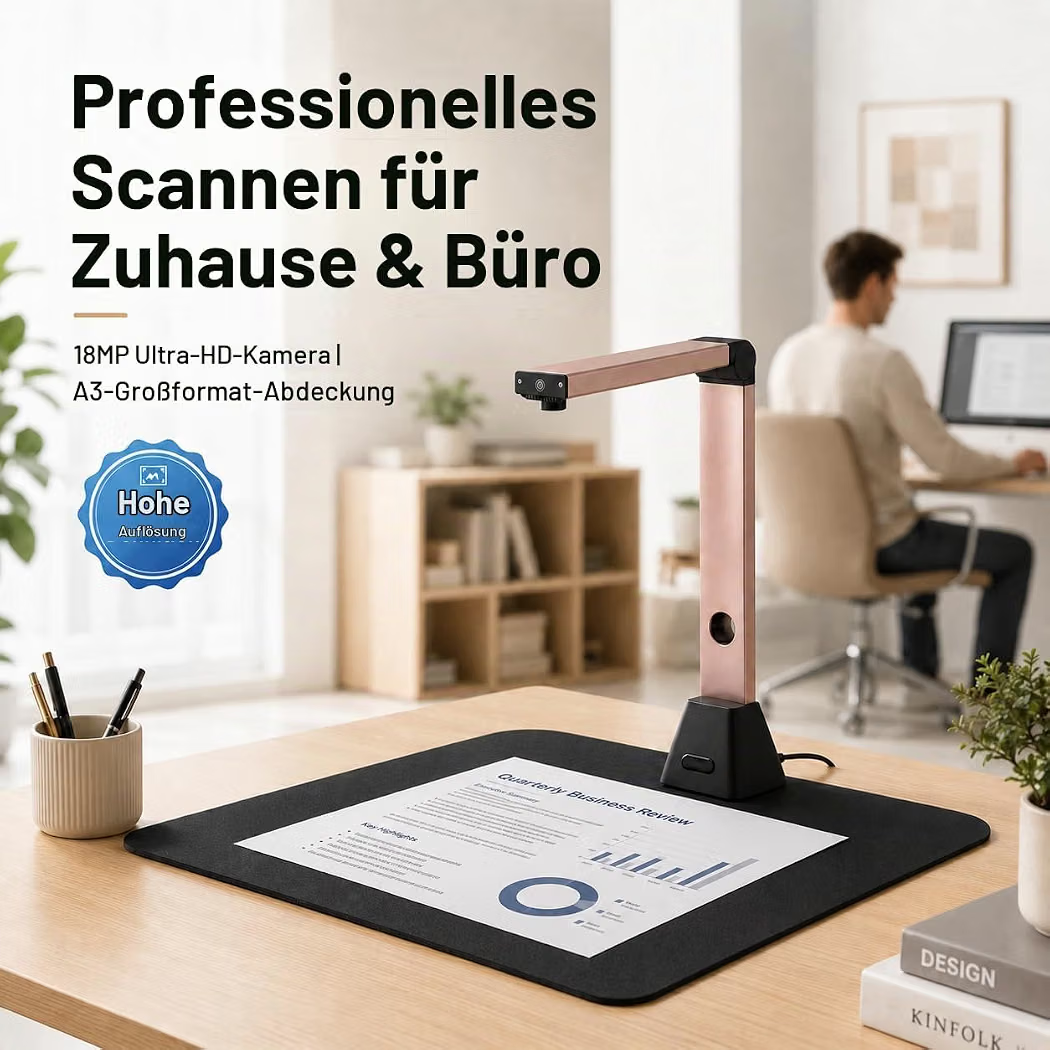
- Compact scanner designed for digitizing documents, receipts, photos, and paperwork
- High-resolution scanning for clear and readable digital copies
- Fast scanning operation for everyday office and home use
- Automatic document feeding available on selected models
- Supports common paper sizes such as A4 and Letter
- USB connectivity and wireless options available depending on the model
- Compatible with computers and selected mobile devices
- PDF, JPEG, and other digital file formats supported by compatible software
- Duplex scanning available on selected models for scanning both sides of a document
- Portable and desktop designs available
● Pros
- Makes paper documents easy to digitize
- Helps reduce physical paperwork
- Convenient for home, office, and study use
- High-quality scans preserve text and images clearly
- Automatic feeding can save time with multiple pages
- Compact options are easy to store and transport
● Best For
- Office documents
- Receipts and invoices
- Contracts and paperwork
- School and study materials
- Photos and certificates
- Business records
- Digital document archiving
- Home-office organization
● Material
- Durable plastic or metal housing depending on the model
- Glass scanning surface on flatbed models
- Automatic document feeder components on compatible models
- Electronic scanning sensors and internal mechanisms
- USB or wireless connectivity hardware depending on the design
● Sizes
- Compact portable scanners
- Standard desktop document scanners
- Flatbed scanners
- Models supporting A4, Letter, and other paper sizes
- Exact dimensions and scanning capacity vary by model
● Care Instructions
- Keep the scanner on a stable, clean, and dry surface.
- Clean the scanning glass and rollers regularly using the manufacturer’s recommended method.
- Remove paper clips, staples, and other objects before scanning.
- Avoid forcing paper through the feeder.
- Keep the scanner away from excessive dust and moisture.
- Use the recommended power adapter and cables.
- Follow manufacturer instructions for driver and software updates.
- Cover or store the scanner when not in use to help prevent dust buildup.
● Why We Recommend It
A Documents Scanner is a practical solution for turning physical paperwork into organized digital files. Whether you need to scan office documents, receipts, photos, invoices, or study materials, its combination of clear scanning, convenient connectivity, and automatic features on selected models makes document management much easier.