Kids Tablet
AutomotiveKids Tablet
● Key Features
- Kid-friendly Android tablet designed for entertainment, learning, and everyday use
- Bright touchscreen display for videos, games, reading, and educational apps
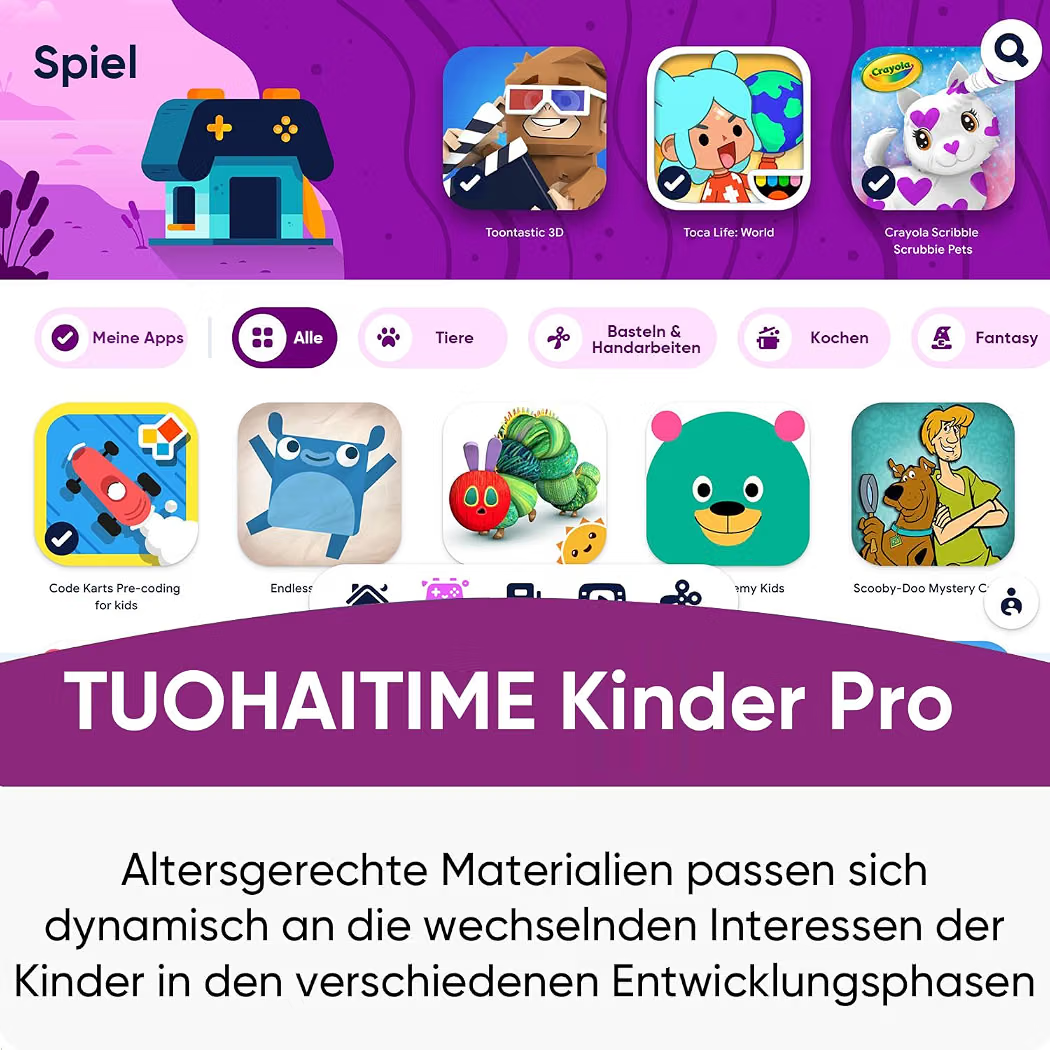
- Access to age-appropriate apps, games, books, and learning content
- Parental control features available on selected models
- Durable protective case options help provide additional protection against everyday drops
- Wi-Fi connectivity for online content and app downloads
- Built-in speakers and microphone for multimedia and communication
- Front and rear cameras on selected models
- Rechargeable battery for portable use
- Storage expansion available on compatible models
● Pros
- Designed with children’s everyday use in mind
- Easy-to-use touchscreen interface
- Useful for both learning and entertainment
- Parental controls can help manage screen time and content
- Protective cases available for added durability
- Portable and convenient for travel
● Best For
- Educational apps and learning
- Watching children’s videos
- Reading digital books
- Casual games
- Long car rides and travel
- Homework and study activities
- Children’s entertainment at home
● Material
- Durable plastic or metal tablet housing depending on the model
- Protective silicone or shock-resistant case on selected versions
- Glass touchscreen display
- Internal rechargeable lithium battery
- Electronic components including processor, memory, storage, speakers, and cameras
● Sizes
- Compact children’s tablets
- 7-inch models
- 8–10 inch models
- Larger-screen options may also be available
- RAM, storage, and screen specifications vary by model
● Care Instructions
- Use a protective case to help reduce damage from accidental drops.
- Keep the tablet away from water unless it has a suitable water-resistance rating.
- Clean the screen with a soft, lint-free cloth.
- Avoid using harsh chemicals directly on the display.
- Keep charging ports free from dust and moisture.
- Use the recommended charger and cable.
- Keep software and parental-control settings updated.
- Store the tablet safely when not in use.
● Why We Recommend It
A Kids Tablet provides a convenient combination of learning and entertainment in a child-friendly format. With a touchscreen interface, educational apps, videos, digital books, games, and parental-control options on selected models, it can be a useful device for supervised everyday use.