Computer Privacy Screen Protector
AutomotiveComputer Privacy Screen Protector
● Key Features
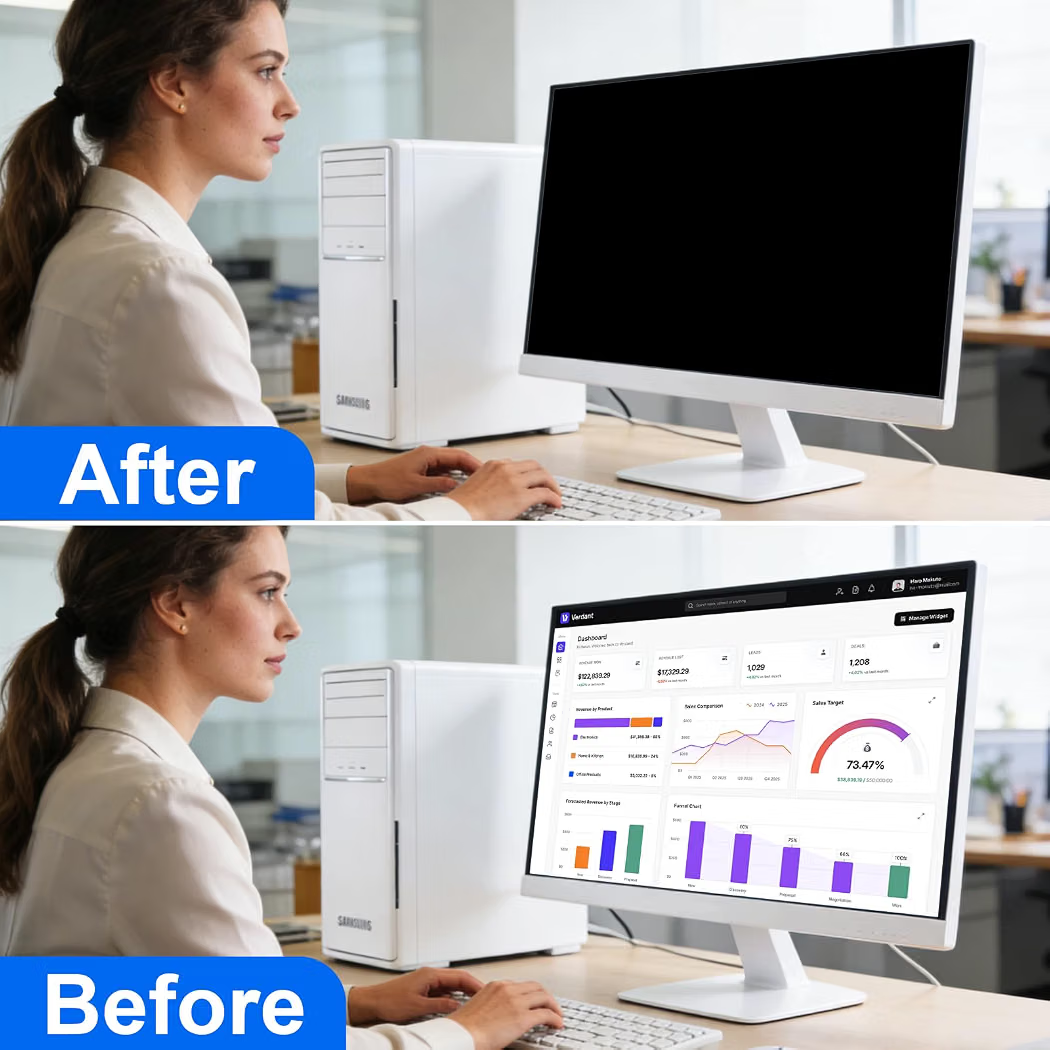
- Privacy filter designed to limit side-angle visibility of the computer screen
- Helps keep on-screen information less visible to people nearby
- Clear front-facing viewing area for the primary user
- Anti-glare options available on selected models
- Reduces screen reflections and glare in bright environments
- Blue-light reduction available on some designs
- Easy attachment using adhesive strips, magnetic mounts, or slide-on tabs depending on the model
- Removable design available for selected screen protectors
- Helps protect the display from fingerprints, dust, and minor surface contact
- Available for different monitor and laptop screen sizes
● Pros
- Enhances visual privacy
- Useful in shared workspaces
- Easy to install
- Portable and removable options available
- Can reduce glare
- Helps keep the screen surface cleaner
- Available in multiple sizes and mounting styles
● Best For
- Office workstations
- Shared desks
- Open-plan offices
- Libraries
- Schools and universities
- Public work areas
- Travel and remote work
- Laptops and desktop monitors
● Material
- Optical-grade privacy filter material
- PET, acrylic, or multilayer polymer construction depending on the model
- Anti-glare coating on selected designs
- Magnetic or adhesive mounting components depending on the design
● Sizes
- Laptop screen sizes
- Desktop monitor sizes
- Common sizes include 13.3″, 14″, 15.6″, 21.5″, 23.8″, 24″, and 27″
- Aspect ratios vary by model
- Measure the actual visible screen area before purchasing
● Care Instructions
- Clean gently with a soft microfiber cloth.
- Use a screen-safe cleaner when necessary.
- Avoid abrasive materials and harsh chemicals.
- Do not scratch or bend the privacy filter.
- Remove dust and fingerprints regularly.
- Follow the manufacturer’s instructions for magnetic or adhesive mounting.
- Store the filter flat when it is not being used.
- Keep adhesive mounting strips clean for secure attachment.
- Confirm the filter is properly aligned before use.
● Why We Recommend It
A Computer Privacy Screen Protector provides an easy way to improve screen privacy in offices, public spaces, classrooms, and shared work areas. Its side-angle privacy design helps keep sensitive on-screen information less visible to people nearby, while selected models also offer anti-glare and removable mounting features.