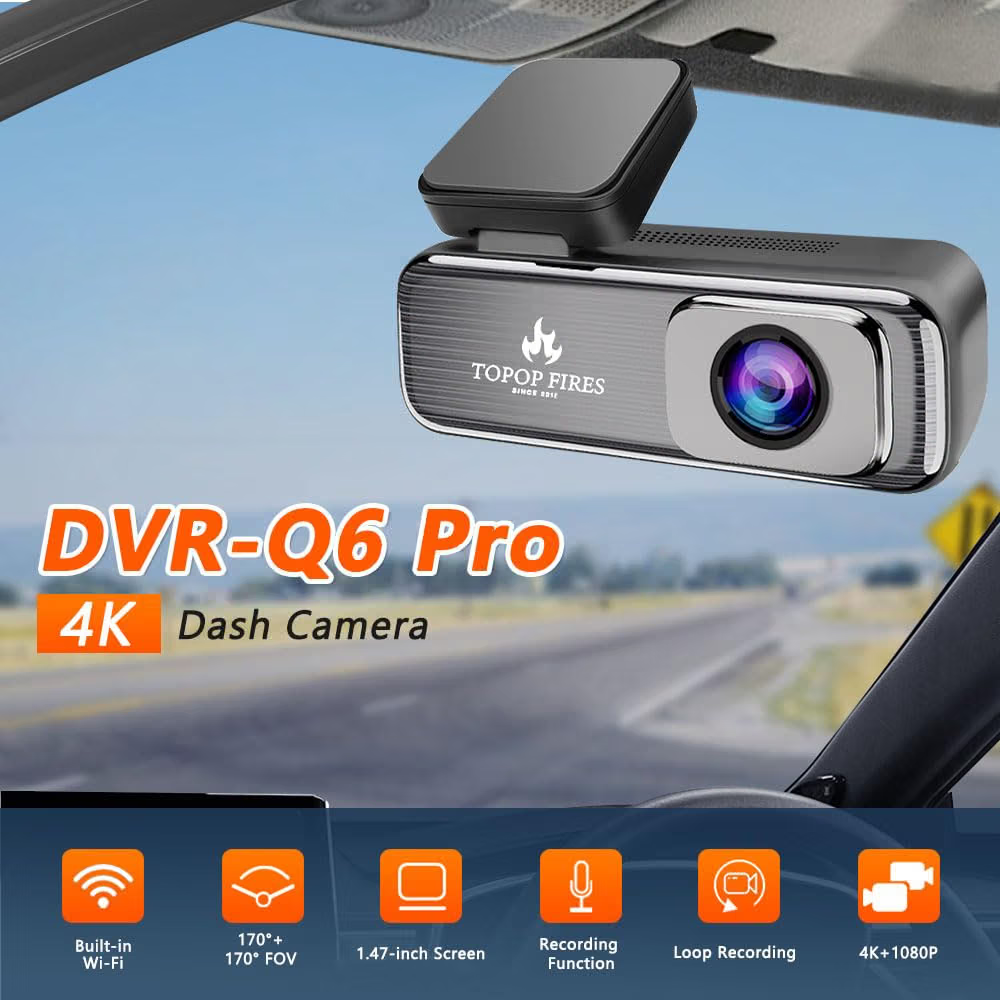
Dash Camera
AutomotiveDash Camera
● Key Features
- Compact in-car camera designed to record driving footage
- Front, rear, or dual-camera recording options available
- High-resolution video recording for clear road footage
- Wide-angle lens helps capture a broader view of the road
- Loop recording automatically manages older video files on compatible models
- G-sensor can detect sudden impacts and help protect relevant recordings
- Parking monitoring available on selected models
- Night vision or low-light recording available on selected models
- Built-in microphone for optional audio recording
- GPS tracking available on selected models
- Wi-Fi and smartphone app connectivity available on compatible models
- microSD card support for storing recorded footage
- LCD display available on selected models
- Suction or adhesive mounting options available
● Pros
- Helps document driving journeys
- Compact and discreet
- Automatic loop recording
- Wide viewing angle
- Impact-event recording on selected models
- GPS and smartphone connectivity on compatible models
- Front and rear coverage options available
- Useful for everyday driving and road trips
● Best For
- Daily commuting
- Long-distance driving
- Road trips
- Parking monitoring
- Recording driving journeys
- Family vehicles
- Fleet and commercial vehicle use
- Drivers who want a convenient onboard recording system
● Material
- ABS or durable plastic housing
- Glass or multi-element camera lens
- Electronic image sensor and internal circuitry
- LCD screen on selected models
- Adhesive or suction mounting bracket
- USB or vehicle power cable
- microSD memory card on selected packages
● Sizes
- Compact dashboard-mounted designs
- Mini and discreet models
- Standard single-camera units
- Dual-camera systems with additional rear camera
- Screen and lens dimensions vary by model
- Check the manufacturer’s specifications for exact dimensions and supported memory-card capacity
● Care Instructions
- Install the camera securely without obstructing the driver’s view.
- Position it so it does not interfere with airbags or vehicle controls.
- Use a compatible and reliable microSD card.
- Format the memory card according to the manufacturer’s recommendations.
- Clean the camera lens gently with a microfiber cloth.
- Keep the camera and connections dry unless the product is specifically designed for exposure to moisture.
- Check the mounting bracket and cable periodically.
- Avoid exposing the device to excessive heat for prolonged periods.
- Use the recommended power adapter and cable.
- Review and back up important recordings regularly.
- Check local laws regarding recording, audio capture, privacy, and use of dash-camera footage.
- Replace damaged cables, mounts, or memory cards when necessary.
● Why We Recommend It
A Dash Camera provides a convenient way to record driving journeys and maintain onboard video footage. With features such as high-resolution recording, wide-angle coverage, loop recording, impact detection, parking monitoring, GPS, and smartphone connectivity on selected models, it can be a practical addition to everyday driving.