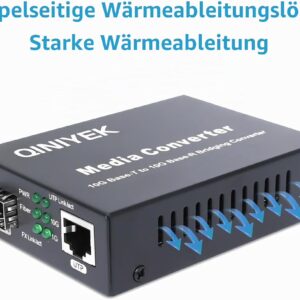
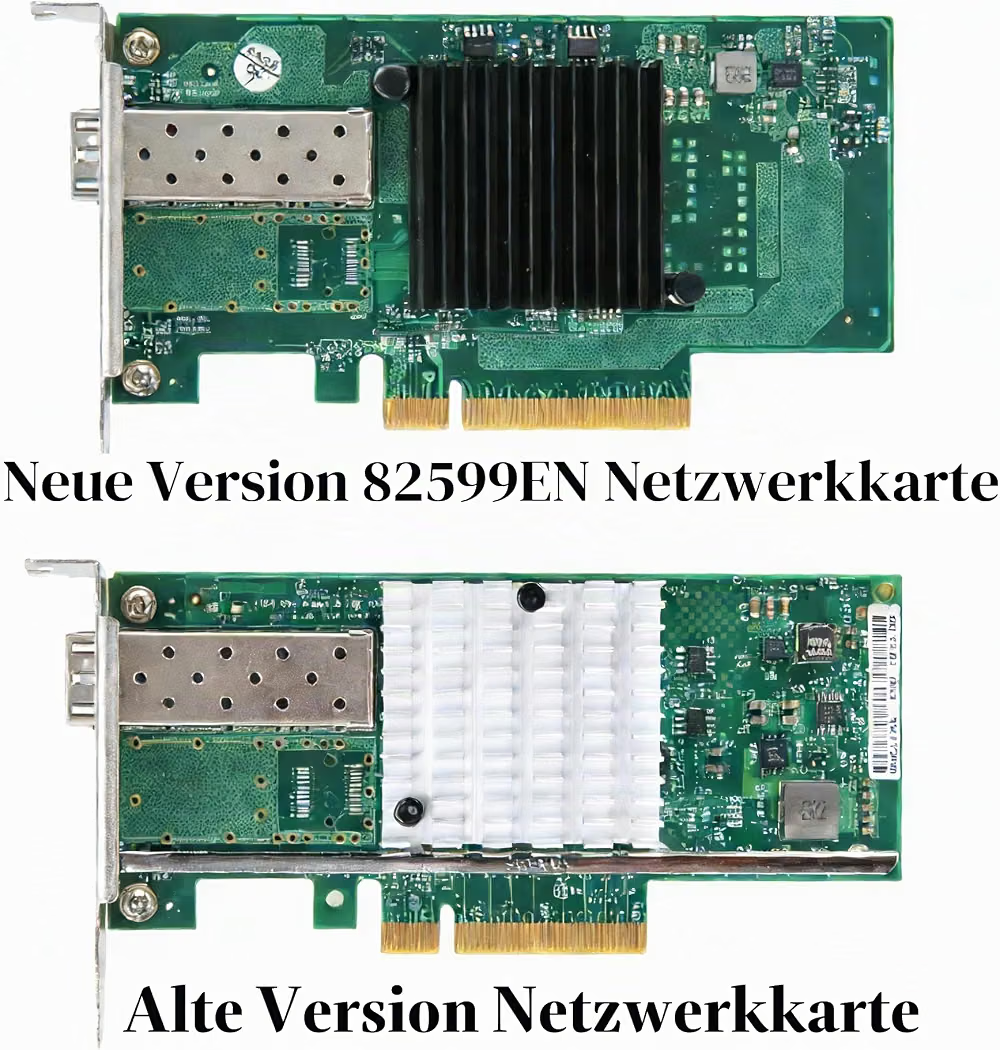
Ethernet Adapter
Automotive● Key Features
- Connects compatible devices to a wired Ethernet network
- Provides a stable internet connection through an Ethernet cable
- Supports USB-A, USB-C, Thunderbolt, or other interfaces depending on the model
- Plug-and-play operation on many compatible devices
- LED indicators may show network activity and connection status
- Compact design makes it convenient for travel and portable setups
- Gigabit Ethernet and faster network speeds available on select models
● Pros
- Provides a more stable connection than many wireless networks
- Helps reduce connection drops and interference
- Easy to carry and set up
- Useful for devices without a built-in Ethernet port
- Great for gaming, streaming, remote work, and large file transfers
● Best For
- Laptops and tablets
- Desktop computers
- Gaming
- Streaming
- Remote work
- Home and office networking
- Devices without built-in Ethernet ports
● Material
- Durable ABS or aluminum housing
- Copper wiring and electronic networking components
- RJ45 Ethernet port
- USB-A, USB-C, or compatible connection interface
● Sizes
- Compact adapter designs for portable use
- Single-port Ethernet adapters
- Multi-port adapters with additional USB or networking connections
- Common Ethernet speeds include 10/100 Mbps, 1 Gbps, and 2.5 Gbps+, depending on the model
● Care Instructions
- Keep the adapter dry and away from excessive heat.
- Avoid bending or sharply twisting the cable.
- Disconnect by holding the connector rather than pulling the cable.
- Keep Ethernet and USB ports free from dust.
- Store in a protective pouch when traveling.
- Use compatible drivers or firmware when required by the device.
● Why We Recommend It
An Ethernet Adapter is a convenient solution for adding wired network connectivity to devices that lack a built-in Ethernet port. It can provide a stable and reliable connection for gaming, streaming, work, and other activities where consistent network performance matters.