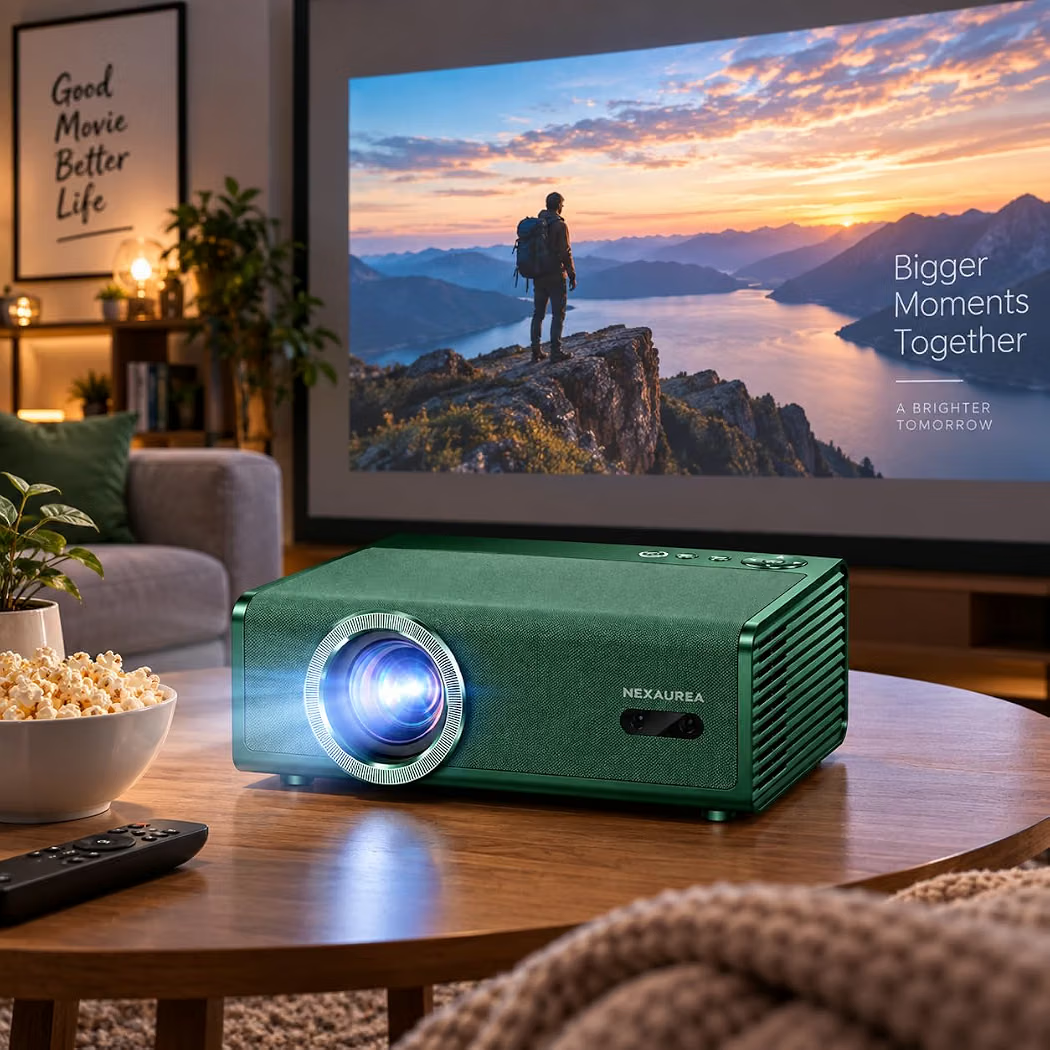
Projector
AutomotiveProjector
● Key Features
- Projects videos, images, presentations, and other content onto a larger screen or wall
- Suitable for home entertainment, office presentations, and educational use
- Supports different screen sizes depending on projection distance and model
- Multiple connectivity options available, including HDMI, USB, and wireless connectivity on selected models
- Compatible with laptops, computers, gaming consoles, and other supported devices
- Built-in speakers available on many models
- Manual or automatic focus adjustment, depending on the design
- Keystone correction available on selected models to help align the projected image
- Compact and portable options for convenient transport
- Some models feature smart operating systems and built-in streaming apps
● Pros
- Provides a large-screen viewing experience
- Suitable for movies, gaming, presentations, and learning
- Portable models are easy to move between rooms
- Offers flexible screen size options
- Can be used at home, school, or work
- Multiple connection options provide setup flexibility
- Available in different price ranges and performance levels
● Best For
- Home theaters and movie nights
- Gaming and entertainment
- Office meetings and presentations
- Classroom teaching
- Watching videos and streaming content
- Outdoor movie setups when conditions are suitable
- Travel and portable presentations
● Material
- Durable plastic or metal outer housing, depending on the model
- Optical lens assembly
- Internal light source and electronic components
- Cooling system and ventilation components
- Ports and controls for connecting compatible devices
● Sizes
- Mini portable projectors
- Compact home-use projectors
- Standard home theater projectors
- High-performance models for larger spaces
- Available in different brightness levels, resolutions, and projection capabilities
● Care Instructions
- Place the projector on a stable, well-ventilated surface.
- Keep ventilation openings clear to prevent overheating.
- Clean the lens gently with a suitable lens-cleaning cloth.
- Avoid touching the lens with fingers.
- Keep the device away from moisture, dust, and excessive heat.
- Allow the projector to cool before disconnecting or storing it, as directed by the manufacturer.
- Use compatible power accessories and follow the manufacturer’s instructions.
- Check device compatibility and supported resolution before connecting external equipment.
● Why We Recommend It
A Projector is a versatile device for enjoying movies, gaming, presentations, and educational content on a larger display. With options ranging from compact portable models to advanced home theater systems, it can suit different spaces and entertainment needs. Choosing the right brightness, resolution, and connectivity will help ensure a better viewing experience.